CHALLENGE INFORMATION
Platform: TryHackMe
Path: Pre Security
Module: How The Web Works
Room: How Websites Work
Description: To exploit a website, you first need to know how they are created.
How Websites Work
This section presents a brief introduction to how websites function. We note the distinction between client-side and server-side processing.
Question 1: What term best describes the side your browser renders a website?
Client side
HTML
We review the basic building blocks of HTML. Once we have finished the reading, we deploy the static website in the HTML playground and experiment with it.
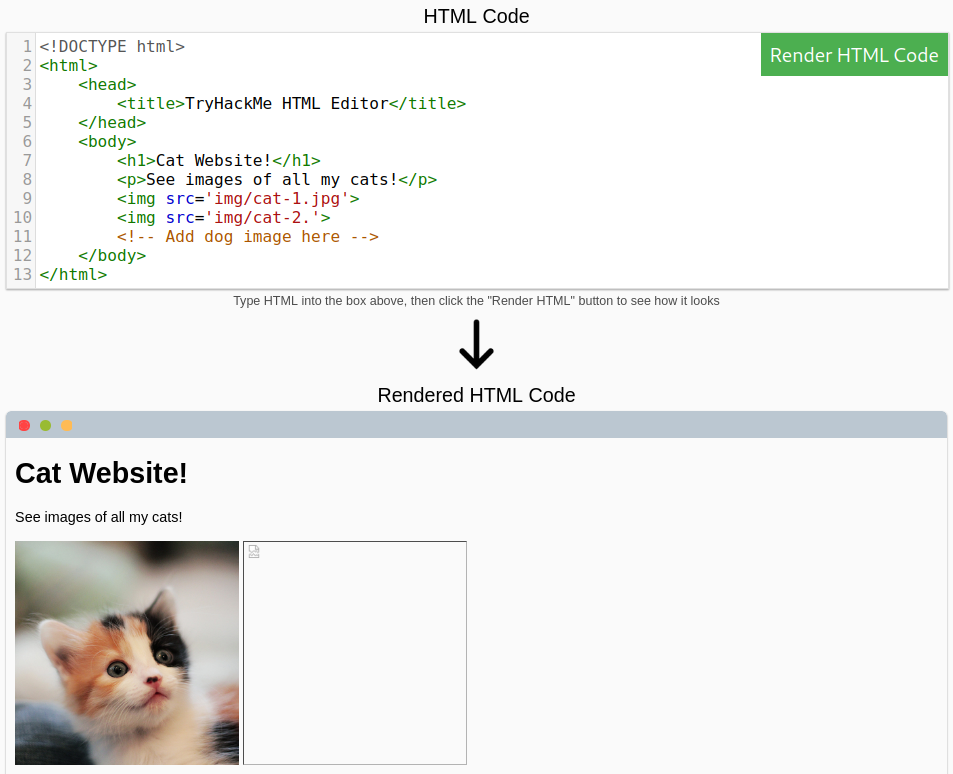
Figure 1: HTML code rendering
We fix the missing .jpg extension to display the second cat.
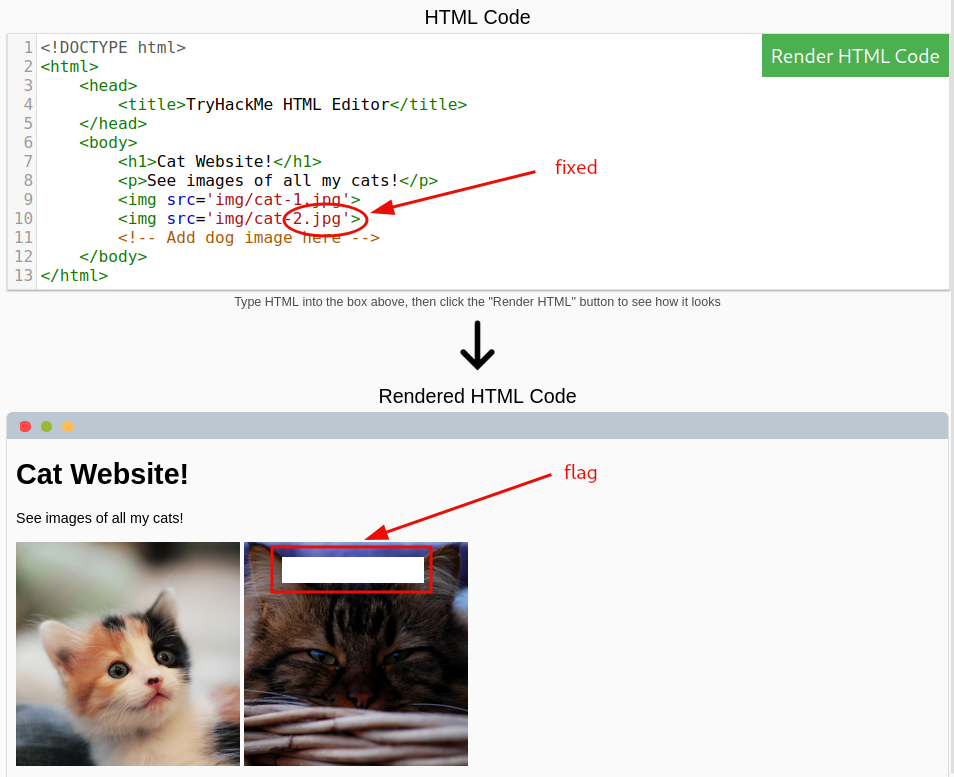
Figure 2: Fixing missing JPG extension
We add the dog image to the site.
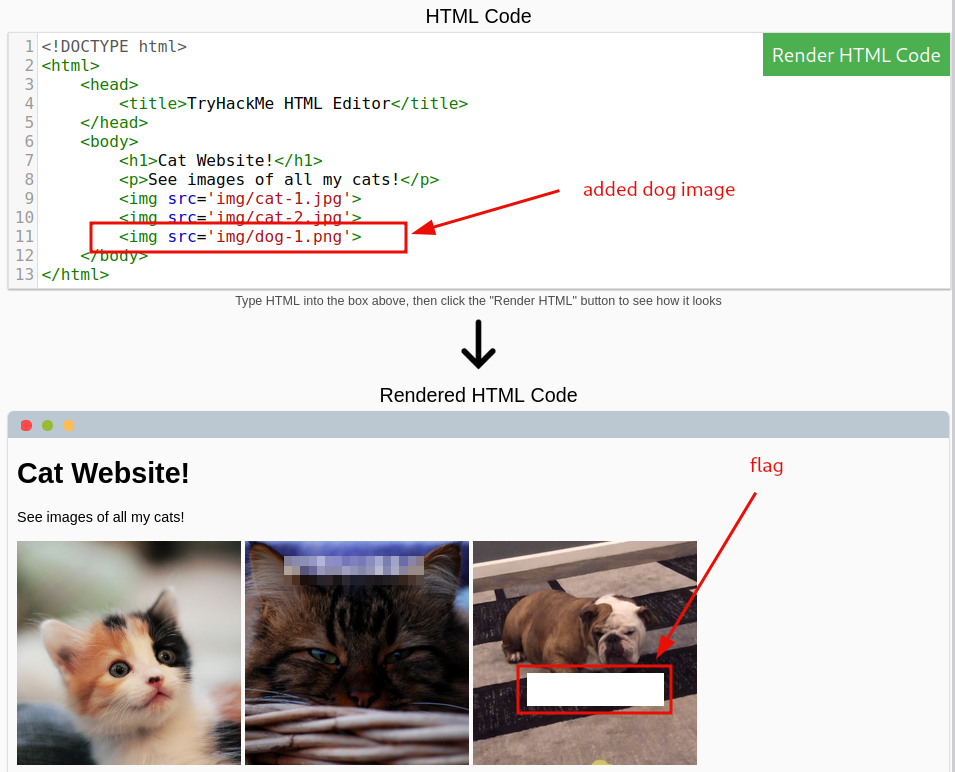
Figure 3: Adding a third image
Question 1: Let’s play with some HTML! On the right-hand side, you should see a box that renders HTML - If you enter some HTML into the box and click the green ‘Render HTML Code’ button, it will render your HTML on the page; you should see an image of some cats.
No answer needed
Question 2: One of the images on the cat website is broken - fix it, and the image will reveal the hidden text answer!
<redacted-flag>
Question 3: Add a dog image to the page by adding another img tag (<img>) on line 11. The dog image location is img/dog-1.png. What is the text in the dog image?
<redacted-flag>
JavaScript
We read the introduction about JavaScript (JS) and interact with the deployed site to obtain the flag.
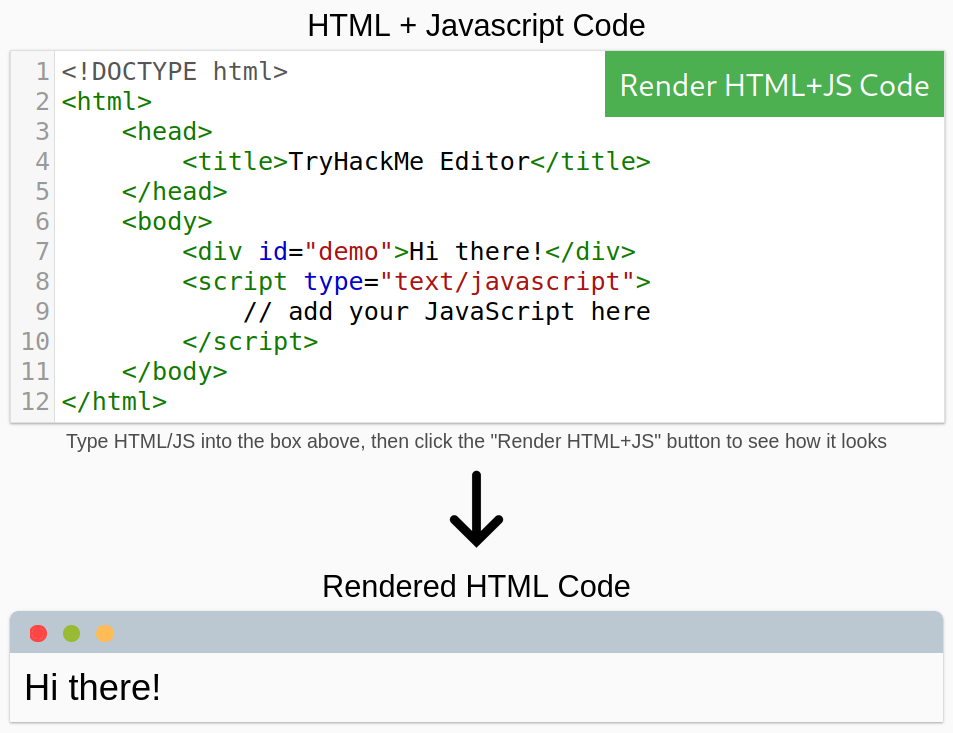
Figure 4: HTML and JavaScript code rendering
Adding the JavaScript code yields the flag.
document.getElementById("demo").innerHTML = "Hack the Planet";
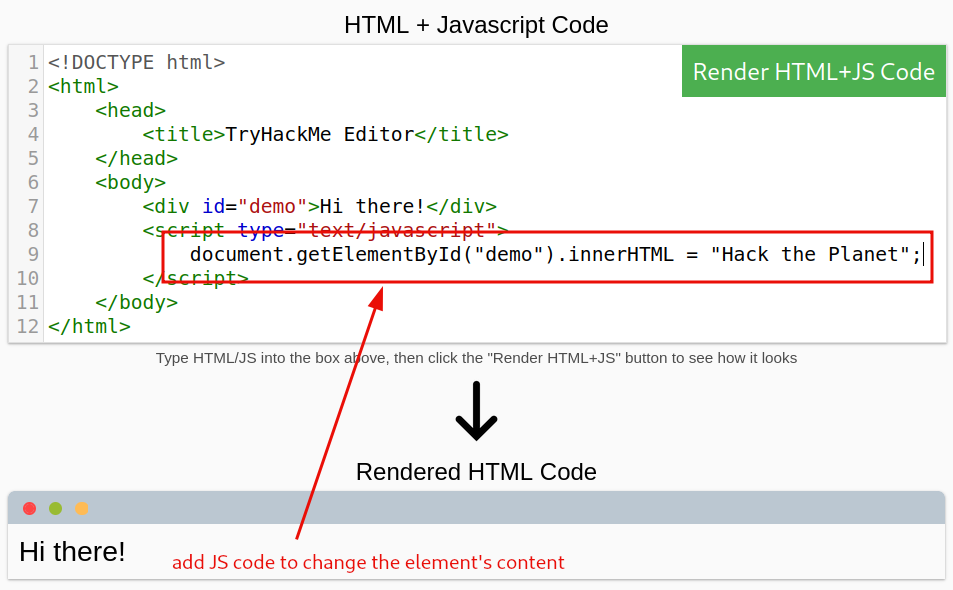
Figure 5: Adding the additional JavaScript code
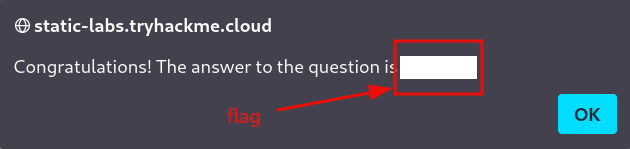
Figure 6: Redacted flag
We add and configure a new button to change after being clicked. Note that the JavaScript code for the button is placed after the script element’s closing tag (</script>).
<button onclick='document.getElementById("demo").innerHTML = "Button Clicked";'>Click Me!</button>
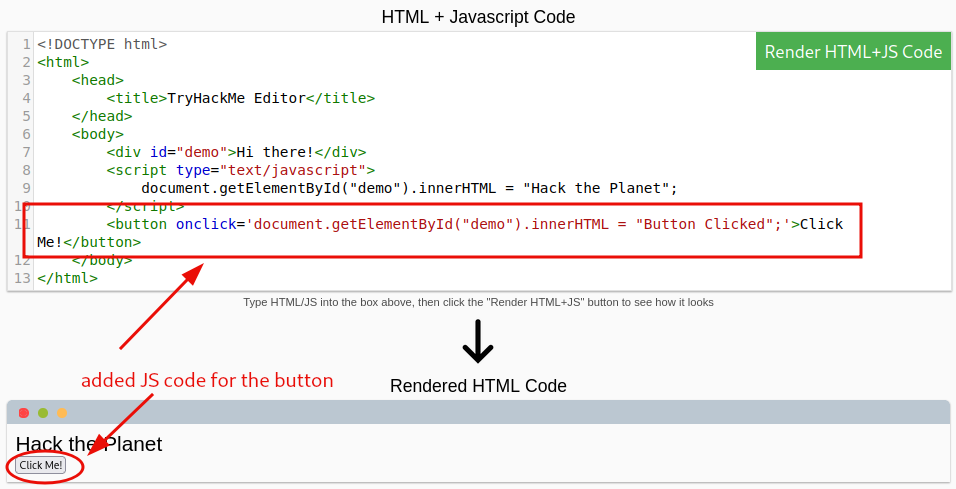
Figure 7: Adding JavaScript code for a button
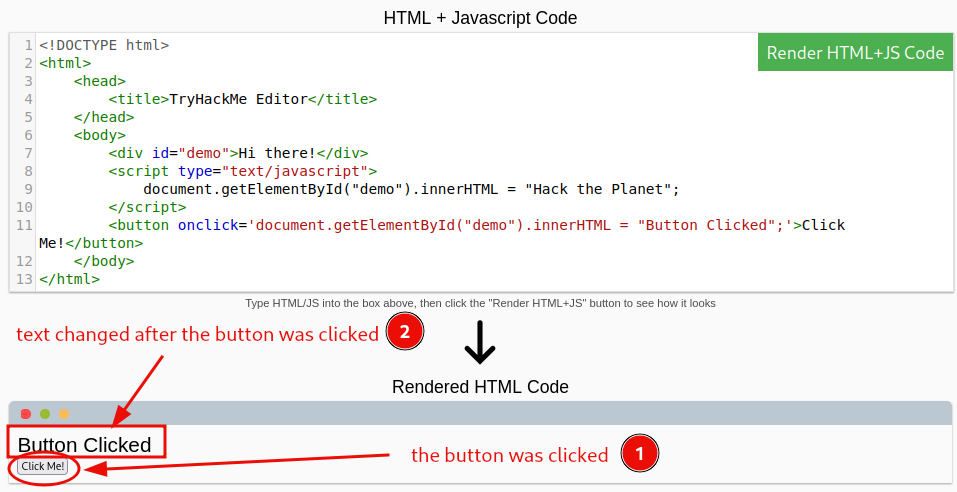
Figure 8: Rendering JavaScript code with a button and clicking it
Question 1: Click the ‘View Site’ button on this task. On the right-hand side, add JavaScript that changes the demo element’s content to ‘Hack the Planet.’
<redacted-flag>
Question 2: Add the button HTML from this task that changes the element’s text to ‘Button Clicked’ on the editor on the right, update the code by clicking the ‘Render HTML+JS Code’ button, and then click the button.
No answer needed
Sensitive Data Exposure
We review the concept of sensitive data exposure and examine the deployed website for exposed login credentials.
We attempt to log in without entering a username or password.
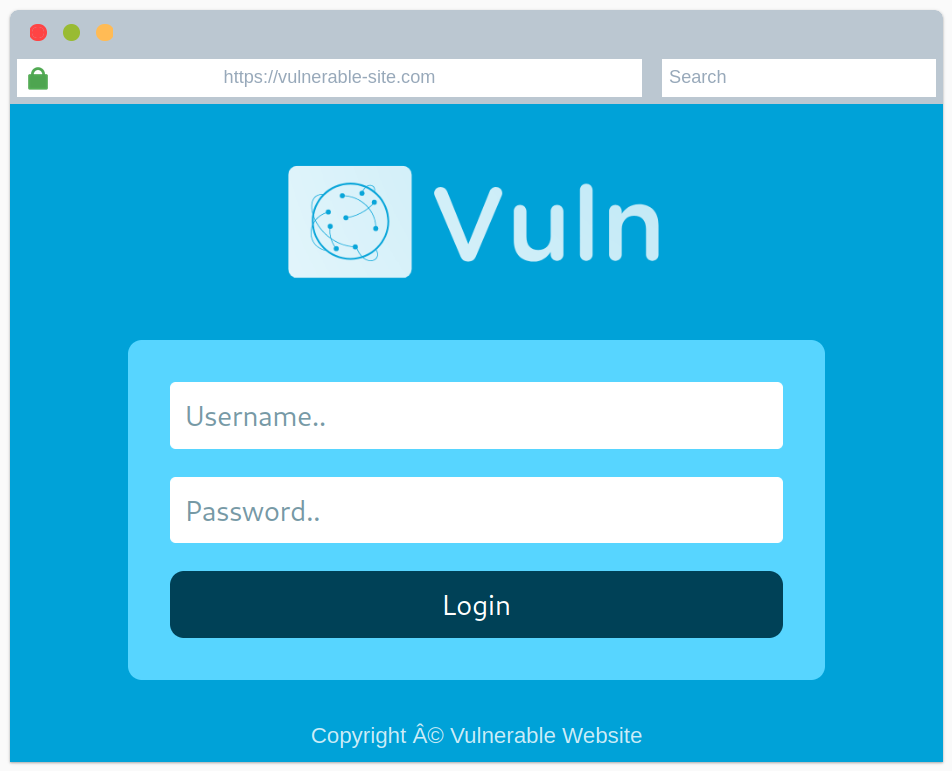
Figure 9: Vulnerable website - login page
We are provided with a URL that points to the site’s source code. Usually, pressing CTRL+U in the browser would achieve the same result, but doing so here would display the source code belonging to the current room rather than the deployed site.
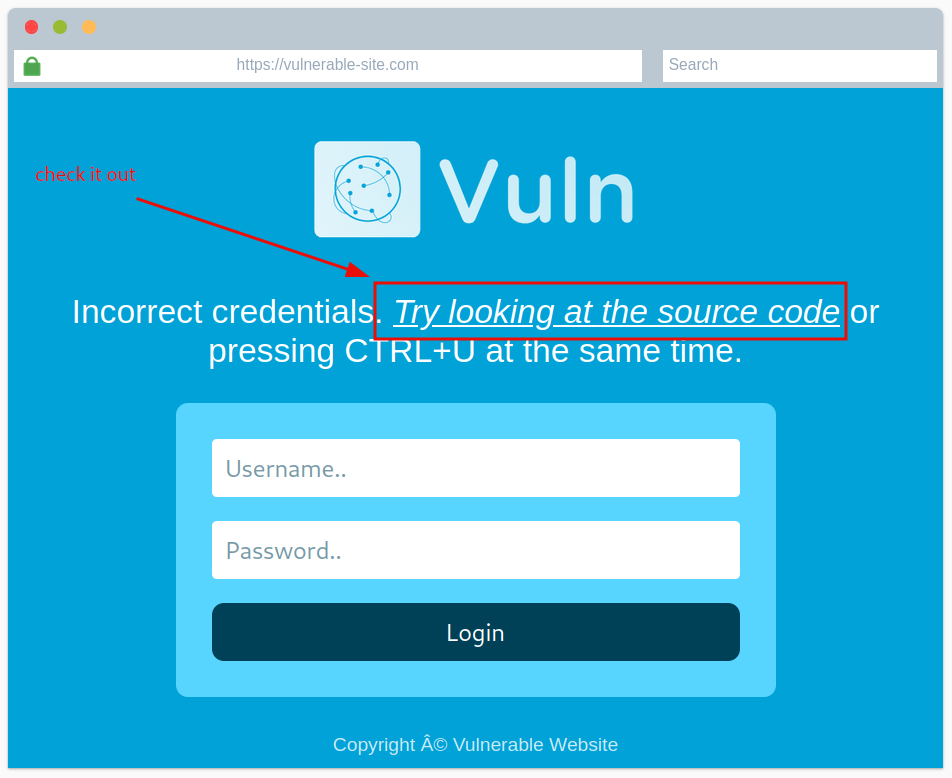
Figure 10: Vulnerable website - provided source code
We retrieve the exposed login credentials.
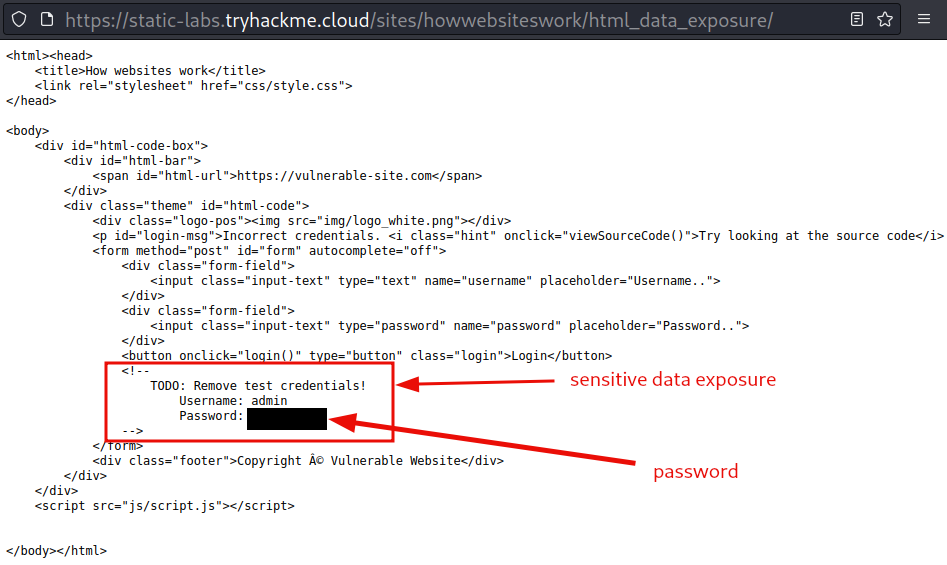
Figure 11: Hidden credentials in the source code
Question 1: View the website on this task. What is the password hidden in the source code?
<redacted-password>
HTML Injection
We review HTML injection and methods for preventing it.
As mentioned in the description, “Input sanitization is very important in keeping a website secure.” To demonstrate how dangerous this vulnerability can be when not handled properly, we deploy the attached site and attempt to inject it with a malicious link.
A quick web search for HTML code link provides the necessary HTML code.
<!-- defines a hyperlink -->
<a href="url">link text</a>

<!--
# href attribute    indicates the link's destination
# link text         the part that will be visible to the reader
-->
Injecting this code into the website yields the flag.
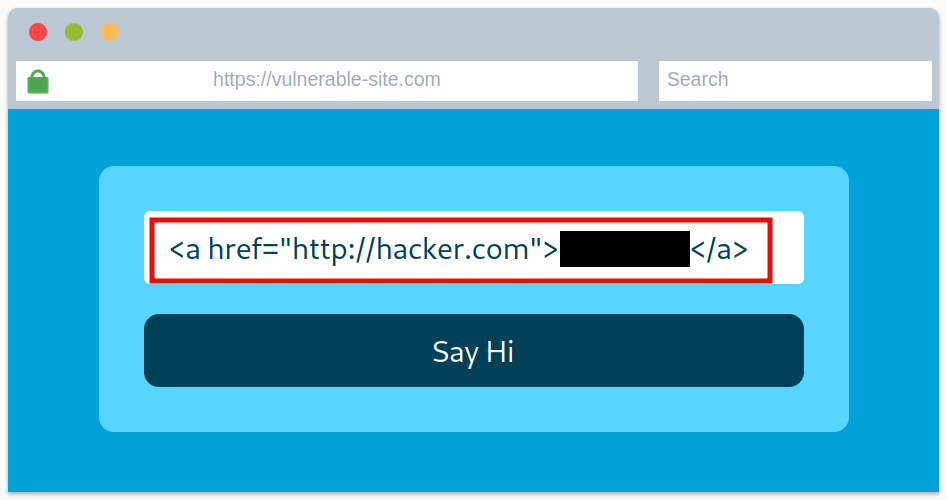
Figure 12: HTML injection
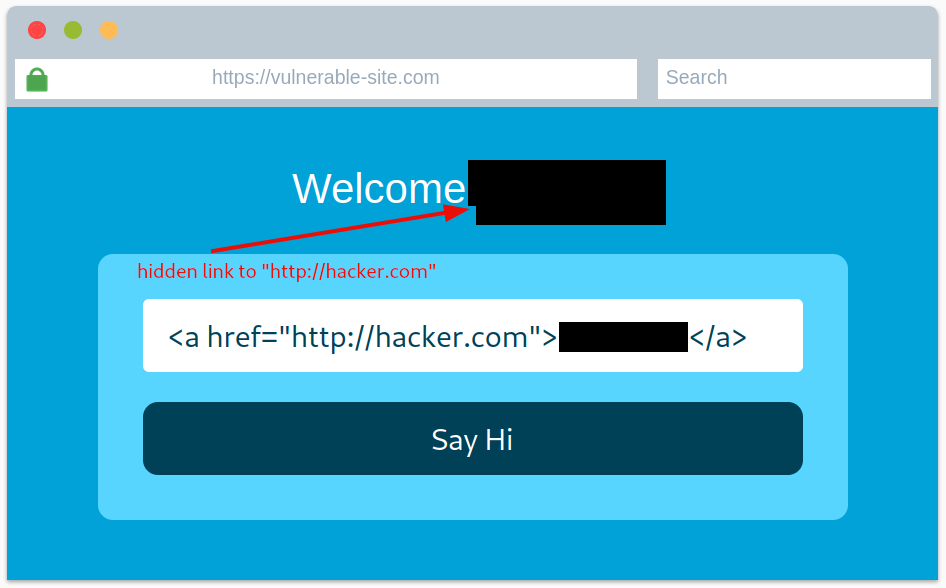
Figure 13: Rendered HTML injection
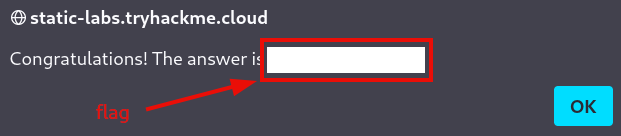
Figure 14: Redacted flag
Question 1: View the website on this task and inject HTML so that a malicious link to hxxp[://]hacker[.]com (defanged) is shown.
<redacted-flag>
We recommend experimenting with different inputs before proceeding to the next room.