CHALLENGE INFORMATION
Platform: TryHackMe
Path: Pre Security
Module: Network Fundamentals
Room: Extending Your Network
Description: Learn about some of the technologies used to extend networks out onto the Internet and the motivations for this.
Introduction to Port Forwarding
This section covers the mechanics of port forwarding and its importance in network communications.
Question 1: What is the name of the device that is used to configure port forwarding?
Router
Firewalls 101
This section explains the differences between stateful and stateless firewalls.
Question 1: What layers of the OSI model do firewalls operate at?
Layer 3, Layer 4
Question 2: What category of firewall inspects the entire connection?
Stateful
Question 3: What category of firewall inspects individual packets?
Stateless
Practical - Firewall
The flag appears after we successfully configure the firewall on the attached static site. Our goal is to prevent a device from overloading by adding the appropriate firewall rule to the router in the middle.
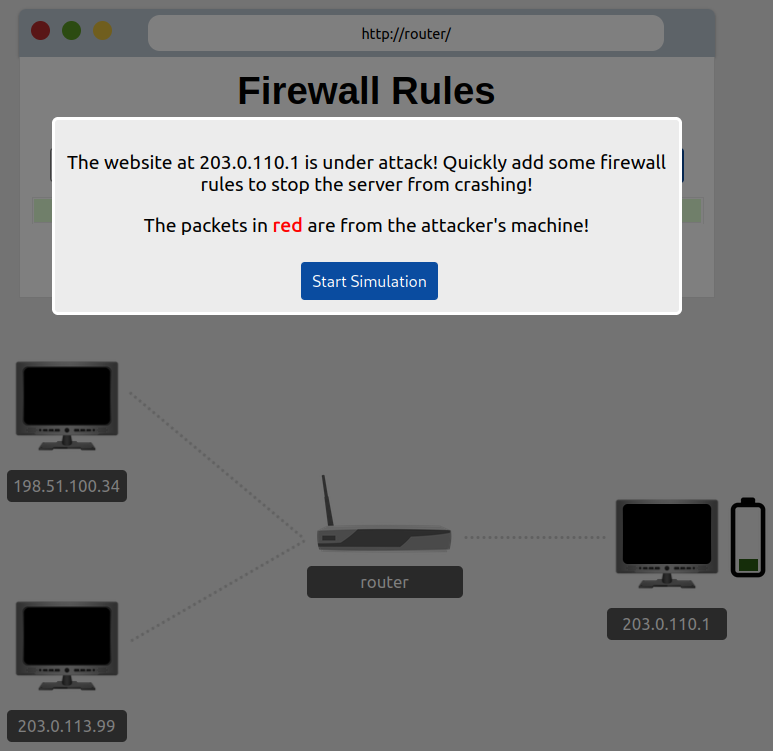
Figure 1: Firewall simulation
We configure the router to DROP all packets accessing our web server (port 80) from the attacker’s machine (IP: 203.0.110.1).
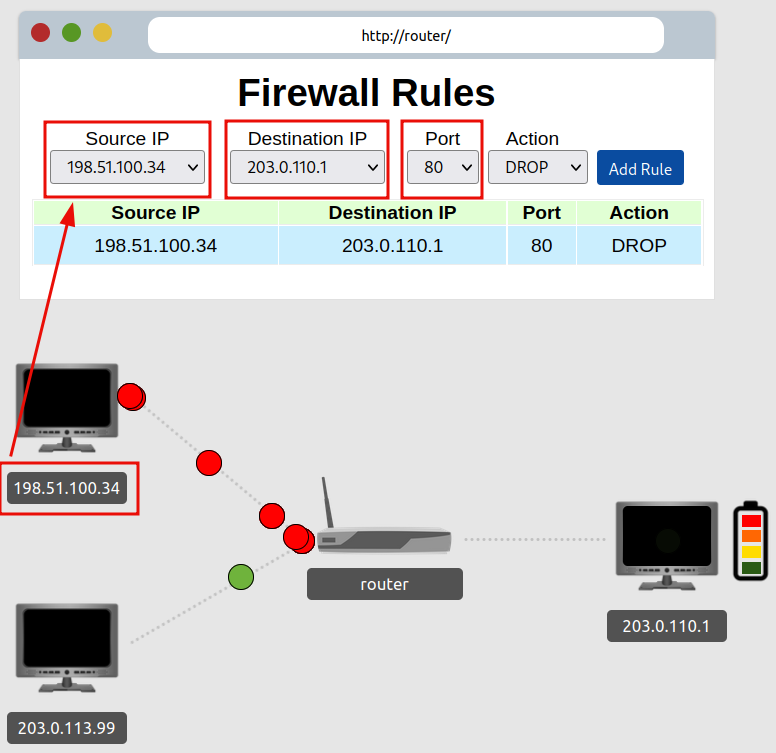
Figure 2: Blocking malicious traffic
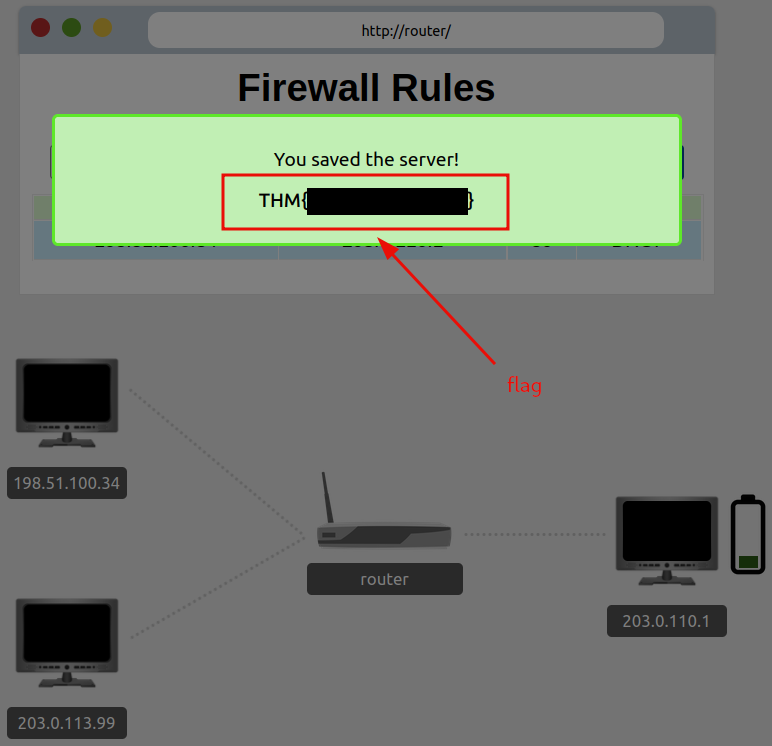
Figure 3: Redacted flag
Question 1: What is the flag?
<redacted-flag>
VPN Basics
This section introduces VPN technology, its advantages, and its various underlying technologies.
Question 1: What VPN technology only encrypts and provides the authentication of data?
PPP
Question 2: What VPN technology uses the IP framework?
IPSec
LAN Networking Devices
This section introduces LAN networking devices, including routers and switches.
Question 1: What is the verb for the action that a router does?
Routing
Question 2: What are the two different layers of switches? Separate these with a comma (i.e., LayerX, LayerY).
Layer 2, Layer 3
Practical - Network Simulator
The network simulator attached to this task breaks down the communication between two points and displays it graphically. We recommend experimenting with the simulator to better understand how communication occurs between network devices.
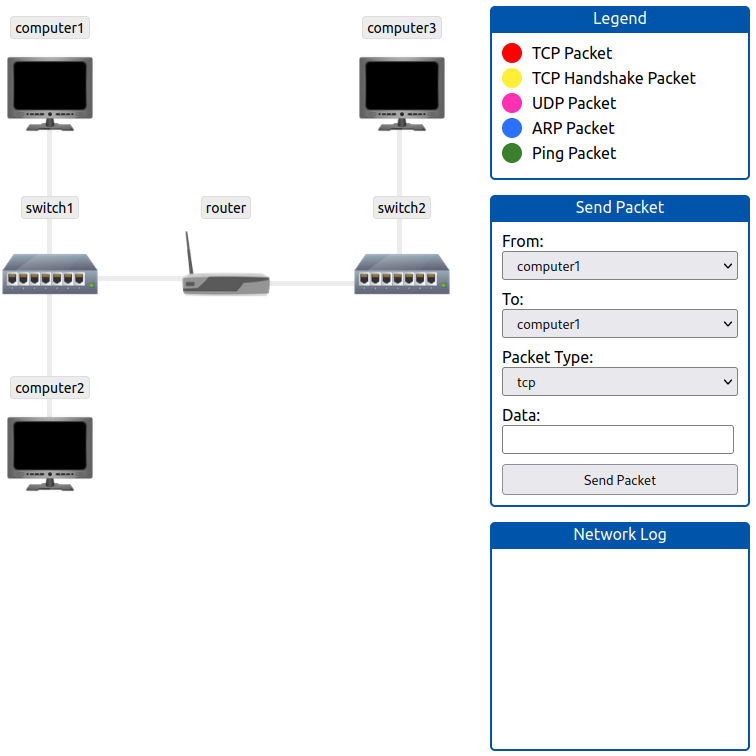
Figure 4: Network simulator
We send a TCP packet from computer1 to computer3 using the switches and the router along the path.
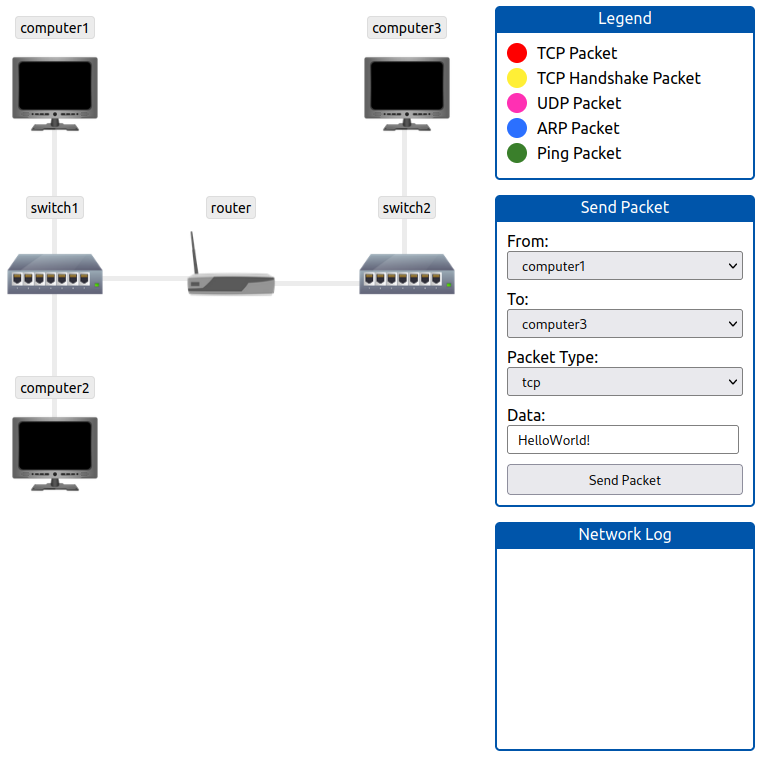
Figure 5: Simulate network traffic from C1 to C3
After the packet is received on computer3, a pop-up window displays the flag.
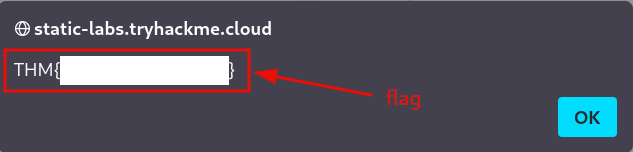
Figure 6: Redacted flag
Below is the network log generated after sending a single TCP packet from computer1 to computer3.
| Step | Connection Type | Network Log |
|---|---|---|
| 1 | HANDSHAKE | Starting TCP/IP handshake between computer1 and computer3. |
| 2 | HANDSHAKE | Sending SYN packet from computer1 to computer3. |
| 3 | ROUTING | computer1 reports that computer3 is not on the local network; sending to gateway: router. |
| 4 | ARP REQUEST | Who has router? Tell computer1. |
| 5 | ARP RESPONSE | Hey computer1, I am router. |
| 6 | ARP REQUEST | Who has computer3? Tell router. |
| 7 | ARP RESPONSE | Hey router, I am computer3. |
| 8 | HANDSHAKE | computer3 received SYN packet from computer1; sending SYN/ACK packet to computer1. |
| 9 | HANDSHAKE | computer1 received SYN/ACK packet from computer3; sending ACK packet to computer3. |
| 10 | HANDSHAKE | computer3 received ACK packet from computer1; handshake complete. |
| 11 | TCP | Sending TCP packet from computer1 to computer3. |
| 12 | TCP | computer3 received TCP packet from computer1; sending ACK packet to computer1. |
This concludes the room and marks the completion of the Network Fundamentals module.
Question 1: What is the flag from the network simulator?
<redacted-flag>
Question 2: How many HANDSHAKE entries are there in the Network Log?
5