CHALLENGE INFORMATION
Platform: TryHackMe
Path: Pre Security
Module: Network Fundamentals
Room: Packets & Frames
Description: Understand how data is divided into smaller pieces and transmitted across a network to another device.
What Are Packets and Frames?
In this section, we examine the distinction between packets and frames, as well as the contexts in which each is used.
Question 1: What is the name for a piece of data when it has IP addressing information?
Packet
Question 2: What is the name for a piece of data when it does not have IP addressing information?
Frame
TCP/IP (The Three-Way Handshake)
We review the TCP/IP model – similar to the OSI model discussed previously – and examine the mechanics of the three-way handshake.
Question 1: What is the header in a TCP packet that ensures the integrity of data?
Checksum
Question 2: Provide the order of a normal three-way handshake (with each step separated by a comma).
SYN,SYN/ACK,ACK
Practical: Handshake
Using the static lab provided in this task, we reassemble the communication between Alice and Bob following the order established by the TCP handshake. The flag is revealed at the end of the exchange.
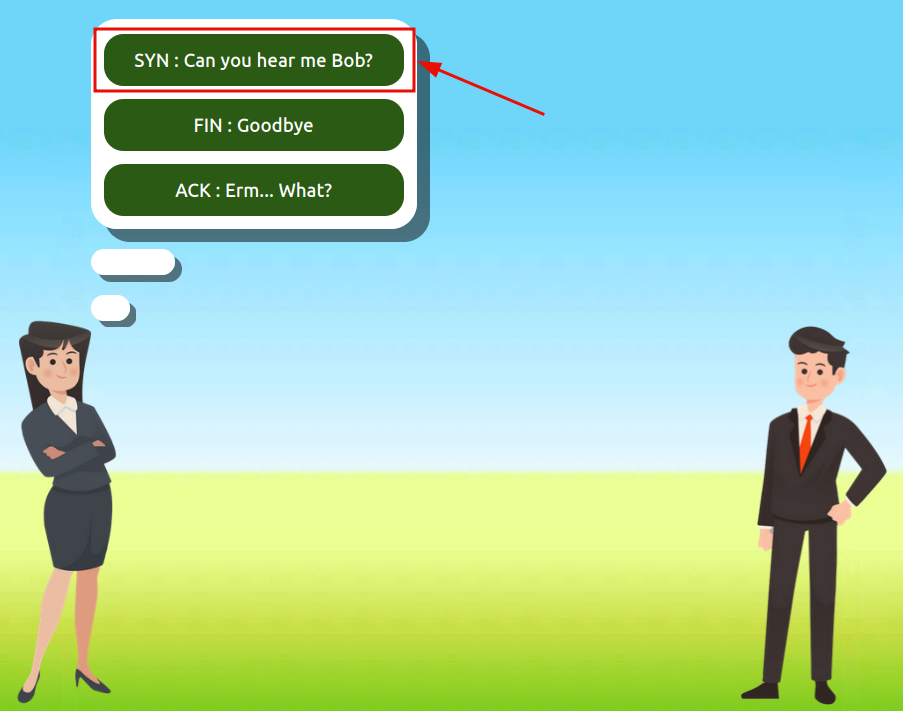
Figure 1: Three-way handshake – SYN
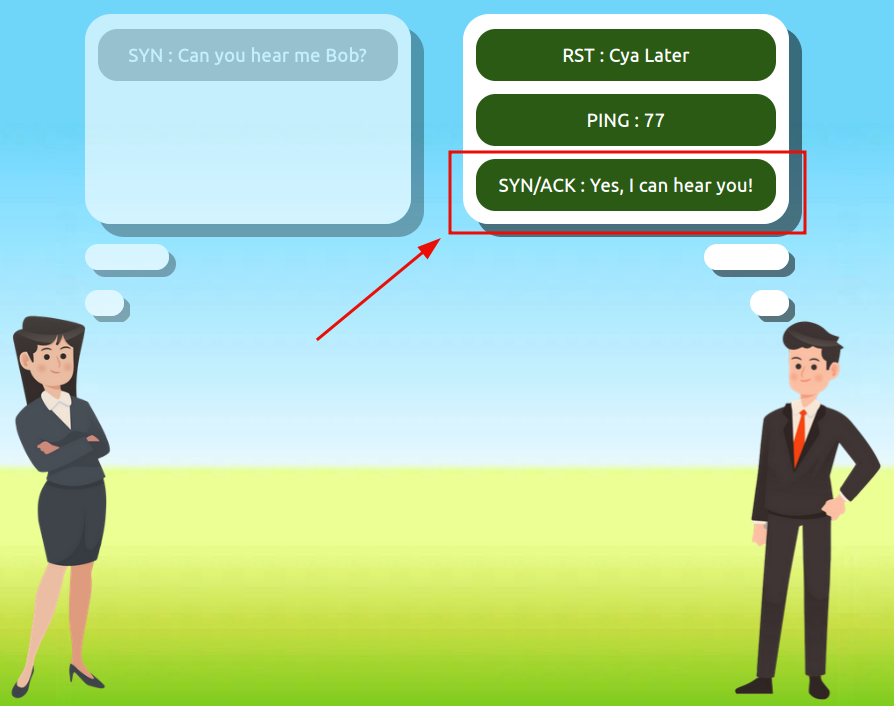
Figure 2: Three-way handshake – SYN/ACK
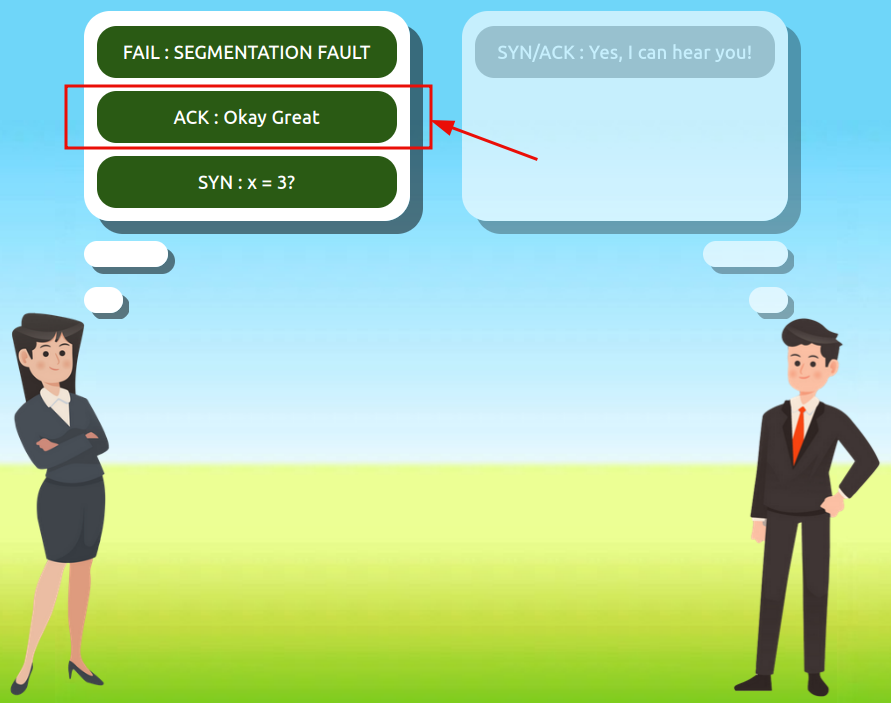
Figure 3: Three-way handshake – ACK
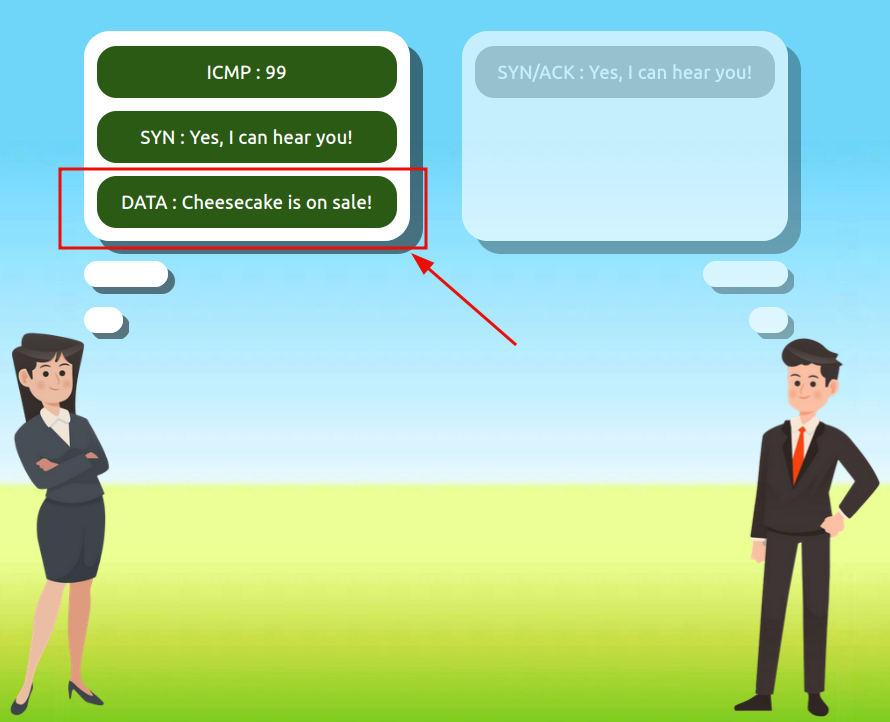
Figure 4: Three-way handshake – DATA
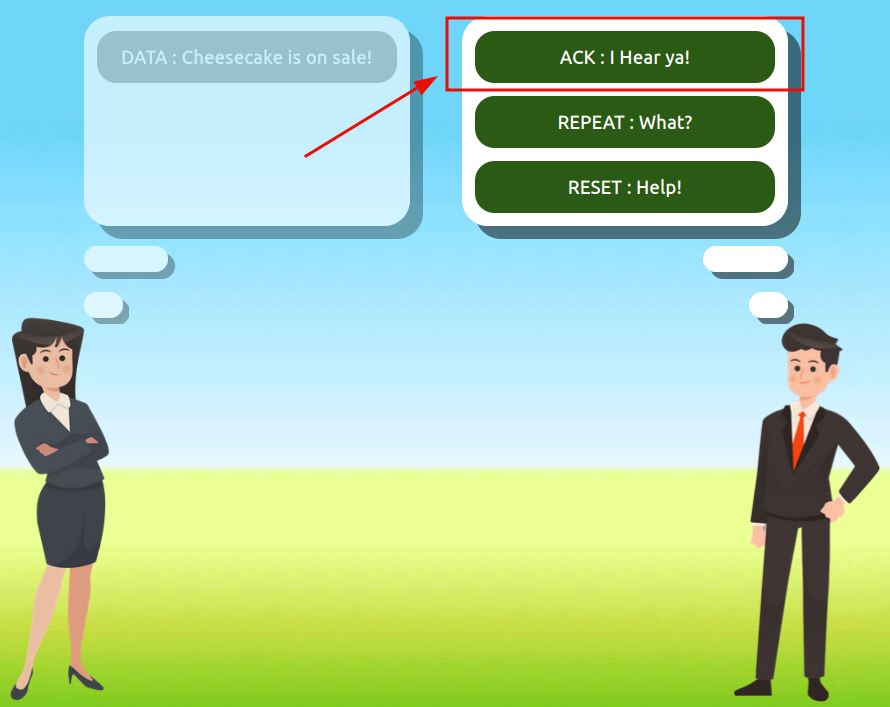
Figure 5: Three-way handshake – ACK after receiving DATA
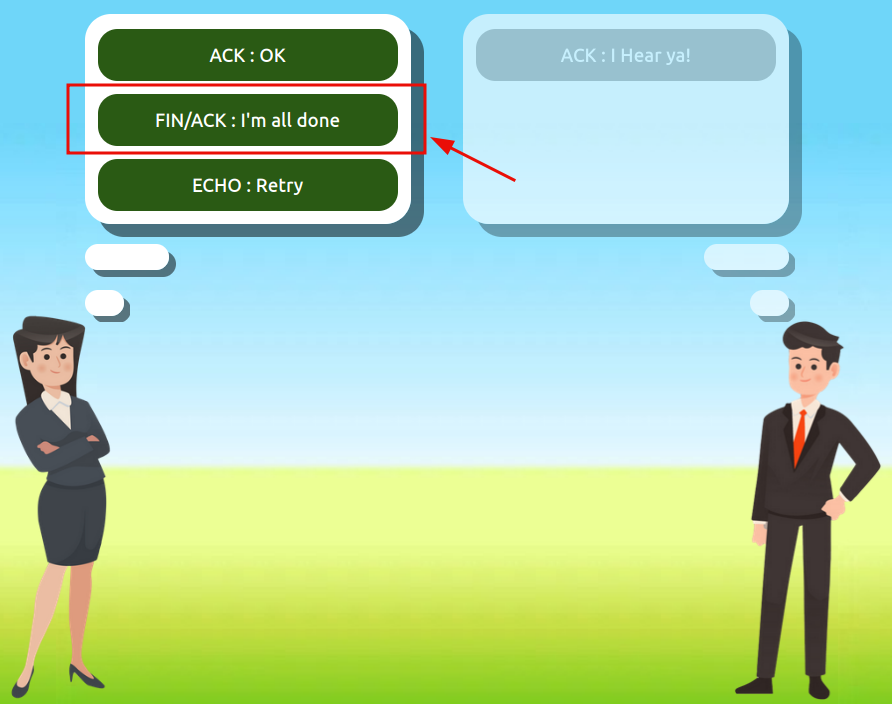
Figure 6: Three-way handshake – FIN/ACK
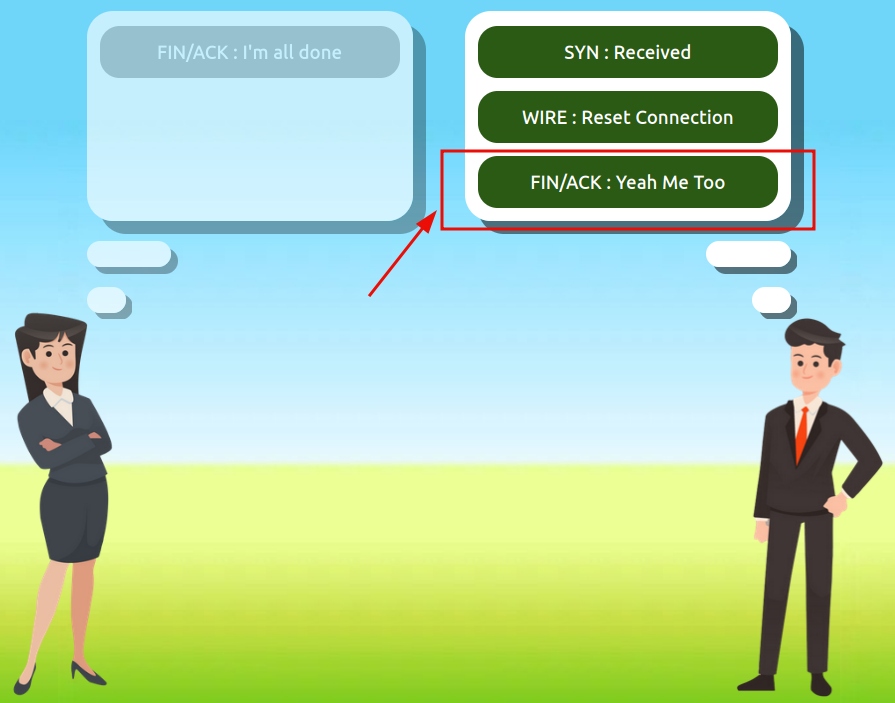
Figure 7: Three-way handshake – FIN/ACK response
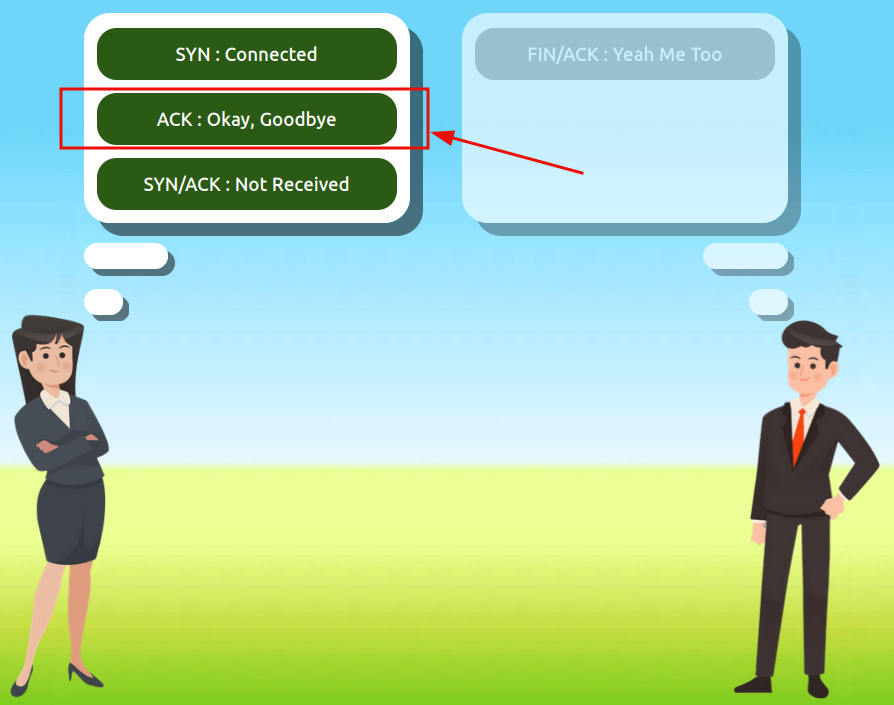
Figure 8: Three-way handshake – final ACK
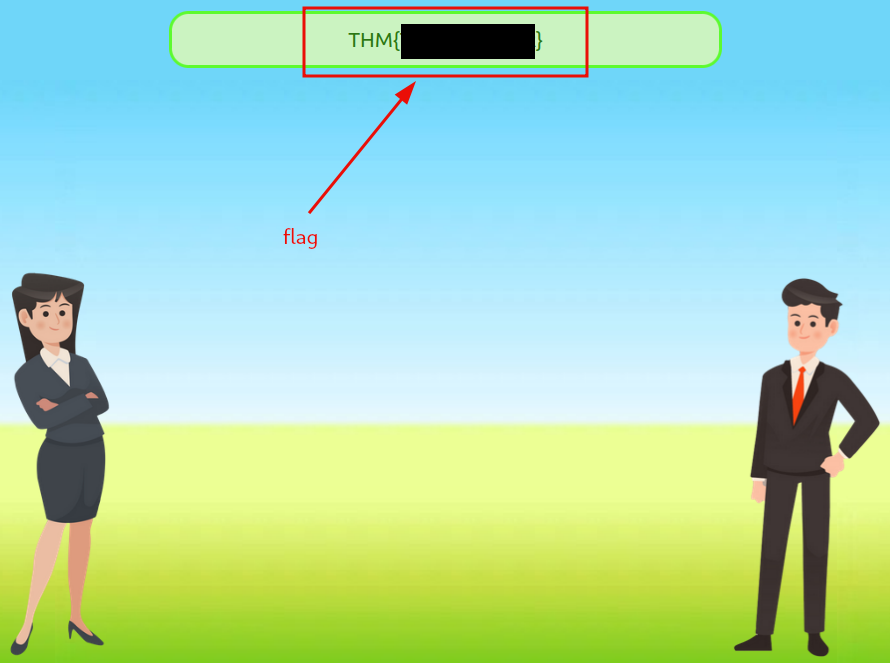
Figure 9: Three-way handshake – redacted flag
Question 1: What is the value of the flag given at the end of the conversation?
<redacted-flag>
UDP/IP
We examine the properties of the User Datagram Protocol (UDP) before proceeding to the next task.
Question 1: What does the term UDP stand for?
User Datagram Protocol
Question 2: What type of connection is UDP?
Stateless
Question 3: What protocol would you use to transfer a file?
TCP
Question 4: What protocol would you use to have a video call?
UDP
Ports 101 (Practical)
Using the provided site, we connect to the IP address 8.8.8.8 (one of Google’s public DNS servers) on port 1234. The flag is displayed upon successful connection.

Figure 10: Netcat connection
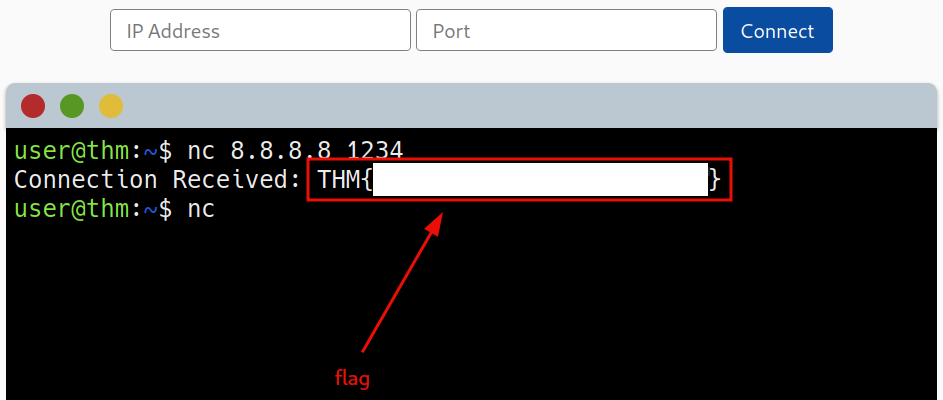
Figure 11: Netcat connection – redacted flag
We used the following command in the terminal:
# Netcat is a simple Unix utility that reads and writes data across network connections, using TCP or UDP protocol.
nc 8.8.8.8 1234
# 8.8.8.8   <hostname>
# 1234      <port>
Question 1: What is the flag received from the challenge?
<redacted-flag>
Continue Your Learning: Extending Your Network
With this room complete, only one room remains to finish the module.
Question 1: Terminate the static site lab deployed in tasks 3 and 5.
No answer needed
Question 2: Join the Extending Your Network room to continue your learning.
No answer needed