CHALLENGE INFORMATION
Platform: TryHackMe
Path: Pre Security
Module: Network Fundamentals
Room: What Is Networking?
Description: Begin learning the fundamentals of computer networking in this bite-sized and interactive module.
What Is Networking?
This section provides an initial overview of networks in computing.
Question 1: What is the key term for devices that are connected together?
Network
What Is the Internet?
Since 1989 . . . has it really been that long? Read the brief introduction about the Internet before proceeding to the next task.
Question 1: Who invented the World Wide Web?
Tim Berners-Lee
Identifying Devices on a Network
After deploying the interactive lab provided here, we can better understand how MAC address filtering works in practice.
As shown in Figure 1, only the packets colored green (#1) are allowed through the router; our own packets, marked blue, are discarded.
To spoof Alice’s MAC address, we copy her MAC address (#3) and modify our own to match it.
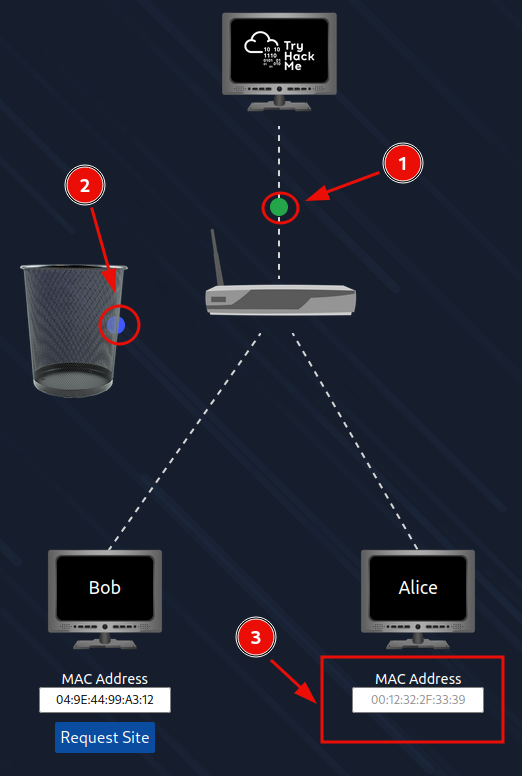
Figure 1: MAC address filtering
Once we have modified our MAC address, our packets are allowed through, and we receive the flag.
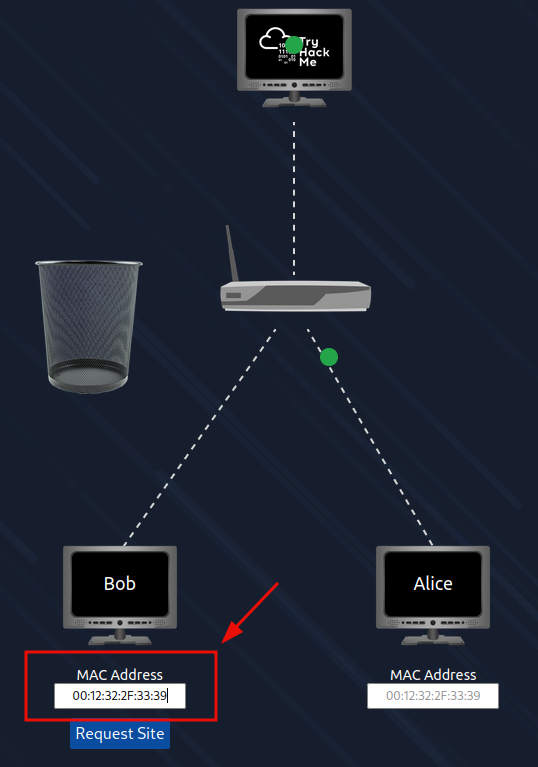
Figure 2: MAC address spoofing
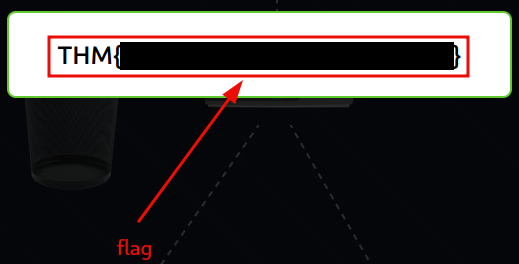
Figure 3: Redacted flag
Question 1: What does the term IP stand for?
Internet Protocol
Question 2: What is each section of an IP address called?
Octet
Question 3: How many sections (in digits) does an IP address have?
4
Question 4: What does the term MAC stand for?
Media Access Control
Question 5: Deploy the interactive lab using the View Site button and spoof your MAC address to access the site. What is the flag?
<redacted-flag>
Ping (ICMP)
We ping the address 8.8.8.8 (one of Google’s public DNS servers) using the deployable website provided in this section.
To execute the command, we fill in the target address, and the interface automatically adjusts the command in the command line:
# send ICMP ECHO_REQUEST to network hosts
ping -c 4 8.8.8.8
# -c <count>    -- Stop after sending count ECHO_REQUEST packets

Figure 4: Sending ping request
The flag appears immediately after the ping requests are successfully transmitted.
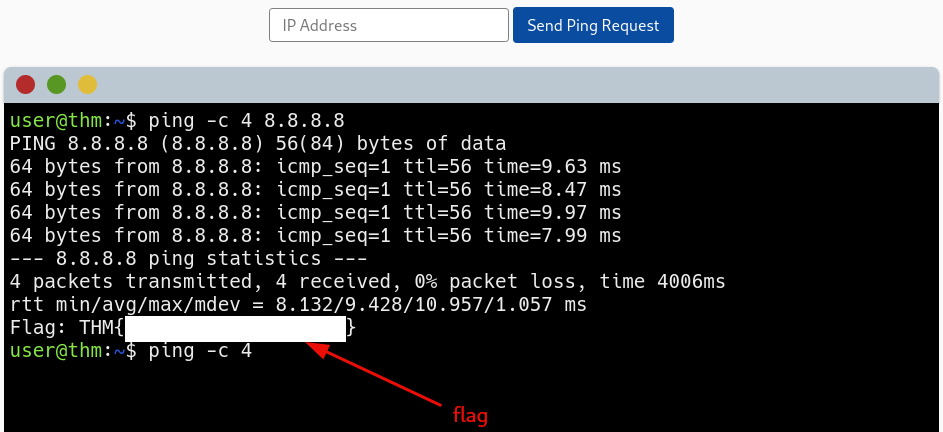
Figure 5: Redacted flag
Question 1: What protocol does ping use?
ICMP
Question 2: What is the syntax to ping 10.10.10.10?
ping 10.10.10.10
Question 3: What flag do you get when you ping 8.8.8.8?
<redacted-flag>
Continue Your Learning: Intro to LAN
After completing this room, we can proceed to the Intro to LAN room, the next module in the learning path.
Question 1: Join the Intro to LAN room.
No answer needed