This page defines the formatting standards used across this blog to ensure consistency and readability in CTF walkthroughs.
Text Formatting
UI Elements
- We use italics for menu items, buttons, or tabs.
- Example: Select Network from the sidebar.
Hyperlinks
- Standard underlined links are used for external tools or platforms.
- Example: TryHackMe
Sensitive Data
- Passwords, credentials, tokens, and keys are highlighted in red, bold, monospace text to make them stand out.
- Example: password123
Placeholders
- Angle brackets indicate values that you need to replace with your own.
- Example:
nmap -sV <target-ip>
Keyboard Shortcuts & Inline Code
- We use backticks for keys, short commands, file names, paths, and endpoints. To make them easy to spot, these appear in a slightly smaller font with a distinct background and rounded corners.
- Example: Press
Ctrl+Cto stop the process, or check theconfig.yamlfile.
Code & Terminal
Interactive Terminal
Full terminal sessions (including the prompt) appear in blocks with a themed background and a thick teal top border. The prompt is specially highlighted so you can quickly spot where a new command begins.
user@kali:~$ whoami
root
user@kali:~$
Static Code Blocks
For scripts, payloads, or longer snippets of code, we use language-specific blocks.
# Example Bash Script
echo "Hello World"
Figures & Layout
Standard Images
Figures are bordered, centered and can include a caption for clarity.
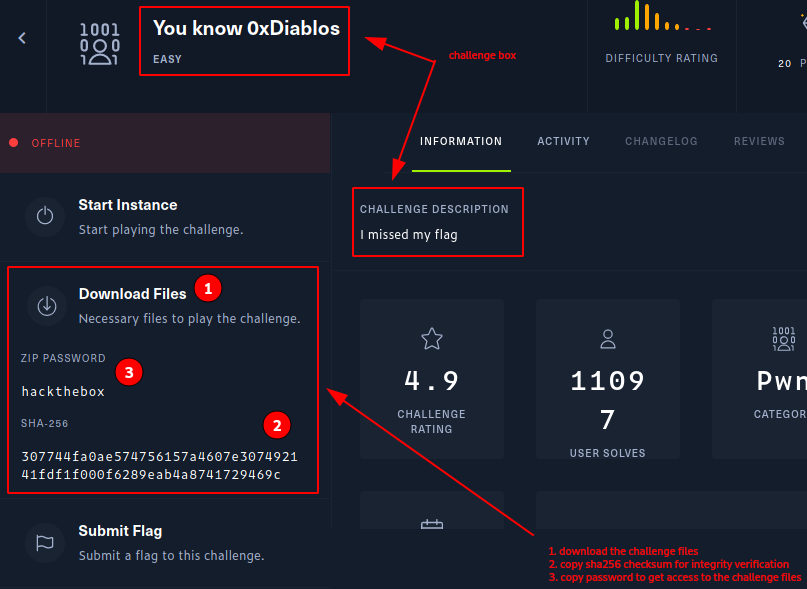
Figure 1: Downloaded challenge archive and verification checksum
Clean Images
For diagrams that should blend into the page without borders, we use a specialized info box.
Listings & Logs
Logs, directory structures, and raw output are displayed in dedicated text blocks.
├── flag.txt
└── secrets/
Captions
Captions for images, tables, and lists are provided based on context. We include them when they add necessary value, but omit them when the content is self-explanatory.
Communication
Quotes
We use the standard Markdown blockquote for citations or theoretical explanations.
“The goal of this challenge is to exploit a buffer overflow in the stack.”
For short references or specific phrases mentioned within a sentence, we use standard double quotation marks like this:
- As was written, “no mans land”, so we decided to pivot.
Questions & Answers
We use an H3 header to separate the Q&A section of a challenge.